

Itpv blogPublished 7 min read
Best IPTV Service in the USA: How to Choose the Right Provider in 2026
A practical 2026 guide to choosing the best IPTV service in the USA: stability, 4K quality, US channels, devices, support, pricing and HDMI IPTV encoders.
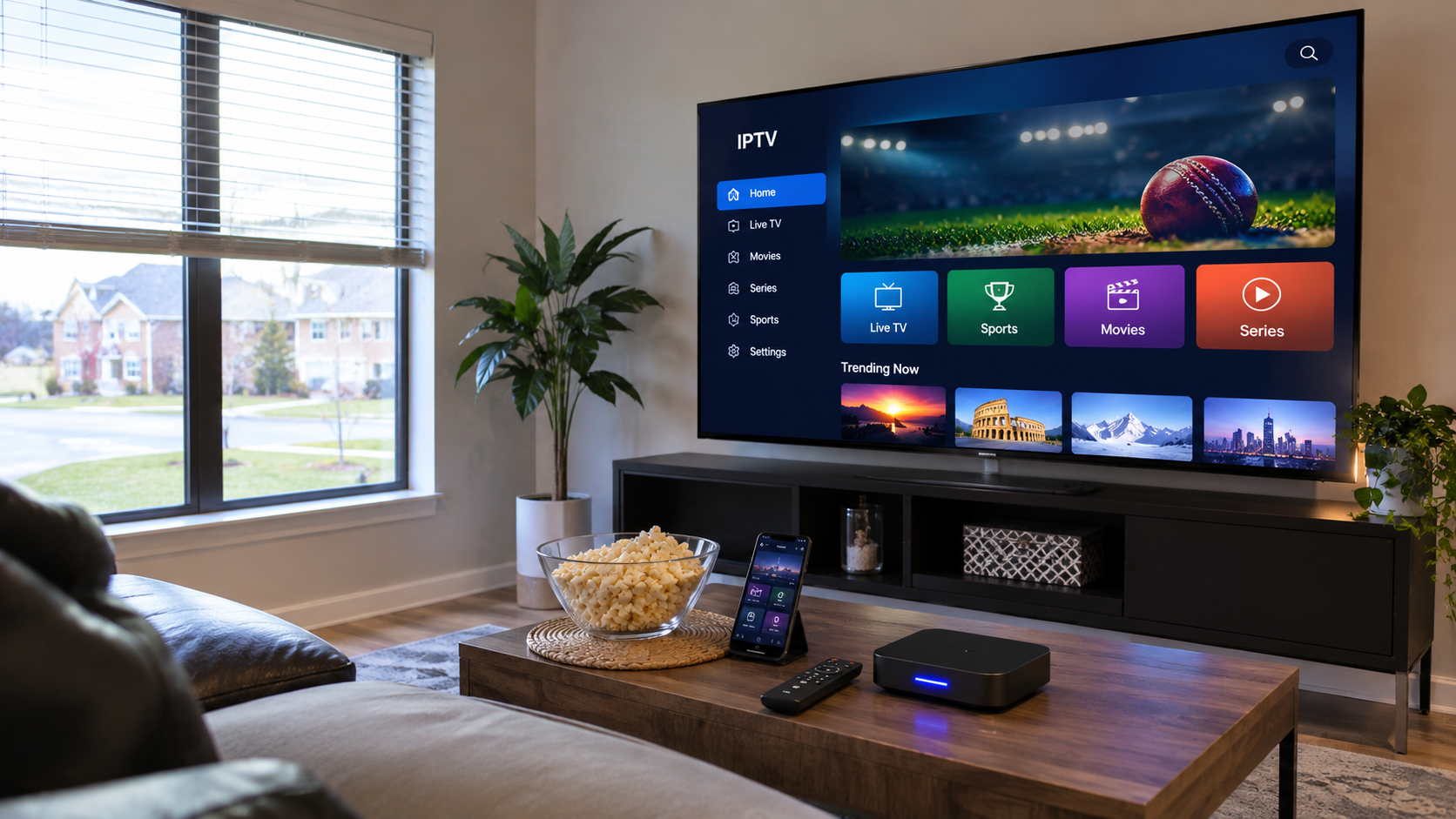
Cable bills keep climbing, while streaming has split into a dozen separate subscriptions. That is why more American households are switching to an IPTV service: one subscription, live TV channels, sports, and on-demand content delivered over your internet connection to the devices you already own. But not every provider is equal. In this guide you will learn exactly what makes the best IPTV service in the USA in 2026, which features really matter, and how to avoid the common traps before you pay.
What Is an IPTV Service?
IPTV stands for Internet Protocol Television. Instead of receiving channels through a satellite dish or coaxial cable, an IPTV service streams live TV and video on demand (VOD) through your broadband connection. You watch on a Smart TV, Firestick, Android TV box, smartphone, tablet, or computer using an IPTV player app.
A typical IPTV subscription includes:
Live TV channels – US news, local networks, entertainment and international channels.
Sports – NFL, NBA, MLB, NHL, soccer, UFC and boxing events.
Video on demand – a library of movies and series you can start at any time.
EPG (Electronic Program Guide) – a TV guide that shows what is on now and next.
Catch-up / replay on selected channels.
Why Americans Are Switching to IPTV in 2026
Lower monthly cost than traditional cable or satellite packages.
No contracts and no equipment rental – cancel or renew when you want.
Watch anywhere – at home, on the road, or on multiple screens.
HD, FHD and 4K quality on supported channels and content.
Everything in one app instead of juggling several streaming platforms.
How to Choose the Best IPTV Service: 9 Criteria That Matter
When people search for the "best IPTV", they usually compare channel counts only. That is a mistake. Use this checklist to judge any provider objectively.
1. Stream Stability and Anti-Freeze Technology
Buffering ruins live sports. The best IPTV providers run load-balanced servers with anti-freeze technology and enough capacity for peak events like Sunday NFL games. Ask about uptime and test during prime time.
2. Picture Quality: HD, FHD and 4K
Check which channels are really available in Full HD or 4K, and make sure your connection can handle them. As a guideline, plan for about 10 Mbps for HD and 25 Mbps or more for 4K streams.
3. US Channel Line-Up and Sports Coverage
Make sure the line-up covers what you watch: local networks, news, kids' channels, premium entertainment, and the sports leagues you follow. A huge number of channels means nothing if your favorites are missing.
4. Device Compatibility
A good IPTV service works on Amazon Firestick, Fire TV, Android TV, Samsung and LG Smart TVs, Apple TV, iPhone, Android phones, MAG boxes, and PC/Mac, and supports popular players through M3U links or Xtream Codes login.
5. Electronic Program Guide (EPG)
An accurate, complete EPG makes IPTV feel like real TV. Check that program information loads quickly and matches the US time zones.
6. Free Trial or Short Test Plan
Never commit to a 12-month plan blind. The most trustworthy providers offer a free trial or a low-cost short plan so you can test speed, quality and channels on your own devices.
7. Customer Support
Fast support via live chat, WhatsApp or email is a strong quality signal. Send a question before buying and see how long it takes to get a helpful answer.
8. Transparent Pricing and Multi-Screen Options
Compare 1-, 3-, 6- and 12-month plans and check how many simultaneous connections are included. Families often need 2 or more screens.
9. Legitimacy, Privacy and Secure Payment
Choose a provider with a professional website, clear terms, a refund policy and secure payment methods. Make sure the content you watch is properly licensed in the US, and protect your personal data.
IPTV Service vs. Cable vs. Streaming Apps
Feature | IPTV Service | Cable / Satellite | Streaming Apps |
|---|---|---|---|
Monthly cost | Low | High | Medium (adds up with several apps) |
Live TV channels | Yes | Yes | Limited |
Contract | No | Often | No |
Equipment rental | No | Yes | No |
Multi-device | Yes | Limited | Yes |
4K content | Yes (selected) | Limited | Yes (selected) |
HDMI IPTV Encoders: Turn Any Video Source Into an IPTV Stream
IPTV is not only for watching – it is also used to distribute video. An HDMI IPTV encoder (also called an HDMI encoder IPTV device) takes the HDMI signal from a camera, cable box, game console, or computer and converts it into an IP stream (H.264 or H.265 over protocols such as RTMP, SRT, HLS, UDP or RTSP). That stream can then be sent over a local network or the internet.
Who Needs IPTV Encoders?
Hotels and hospitals distributing TV channels to every room.
Bars, restaurants and gyms sending the same content to many screens.
Churches, schools and businesses live-streaming events and presentations.
Content creators streaming to YouTube, Facebook or Twitch without a PC.
What to Look for in an HDMI Encoder for IPTV
Codec support: H.265 (HEVC) saves bandwidth compared to H.264.
Resolution: 1080p60 minimum; 4K if your sources are 4K.
Protocols: RTMP, SRT, HLS, UDP multicast and RTSP for maximum flexibility.
Channels: single-channel or multi-channel IPTV encoders for larger installations.
Low latency for live sports and interactive events.
Easy web interface and reliable firmware updates.
Note: an encoder is a tool for your own video sources. Only stream content you own or have the rights to distribute.
How to Get Started With an IPTV Service in 3 Steps
Choose your plan – start with a trial or short plan on a trusted IPTV service.
Install an IPTV player on your Firestick, Smart TV, Android box or phone.
Enter your login details (M3U link or Xtream Codes) and start watching.
Tip: use a wired Ethernet connection or a 5 GHz Wi-Fi band for the smoothest playback, especially in 4K.
Frequently Asked Questions
What is the best IPTV service in the USA?
The best IPTV service is the one that delivers stable streams, the US channels and sports you watch, a working EPG, support for your devices, responsive customer support and a trial so you can test before you pay. Use the 9 criteria above to compare providers.
How much internet speed do I need for IPTV?
Around 10 Mbps for HD, 15–20 Mbps for Full HD and 25 Mbps or more for 4K per screen.
Can I use IPTV on a Firestick or Smart TV?
Yes. Most IPTV services work on Amazon Firestick, Android TV, Samsung and LG Smart TVs, Apple TV, smartphones and computers through an IPTV player app.
What is an HDMI IPTV encoder used for?
An HDMI IPTV encoder converts an HDMI video signal into an IP stream so it can be distributed over a network or the internet – ideal for hotels, venues, churches, schools and live streamers.
Is IPTV legal in the USA?
IPTV technology is legal. What matters is that the provider has the rights to the content it distributes. Always choose a transparent provider and avoid services that look suspicious.
Conclusion
Finding the best IPTV service in the USA in 2026 comes down to stability, quality, the right channel line-up, device support and honest customer service – not just the biggest channel count. Test before you commit, check support, and pick the plan that fits your household. Ready to cut the cord? Discover our IPTV service plans and start watching today.